01
Remove video objects
Mask distractions across video clips and let CutVibe clean the frame around the motion.
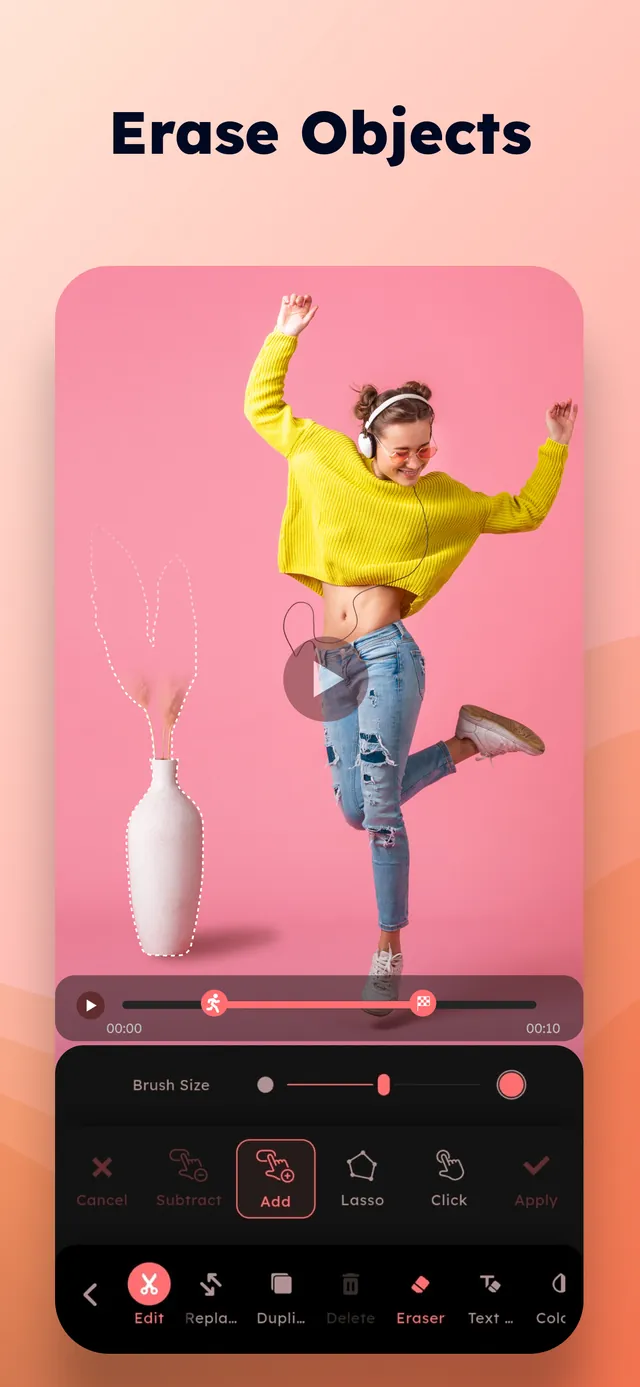

Remove objects, clean scenes, add captions, and finish videos with practical mobile editing tools.
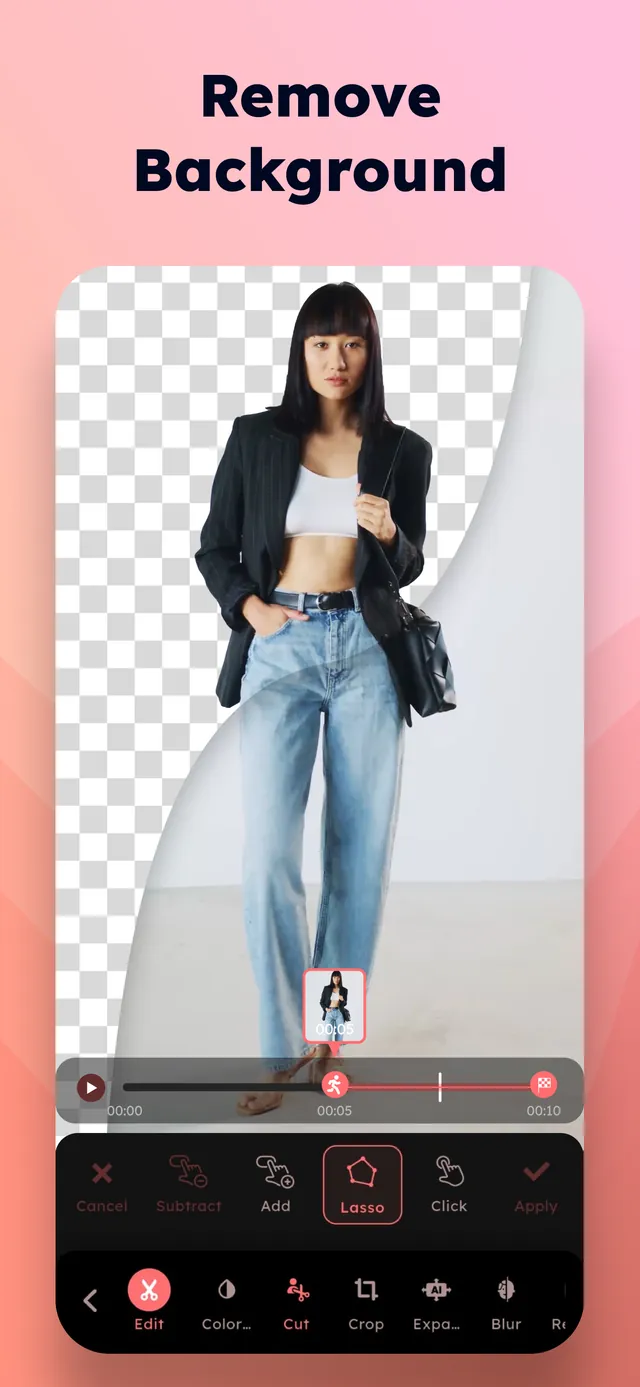
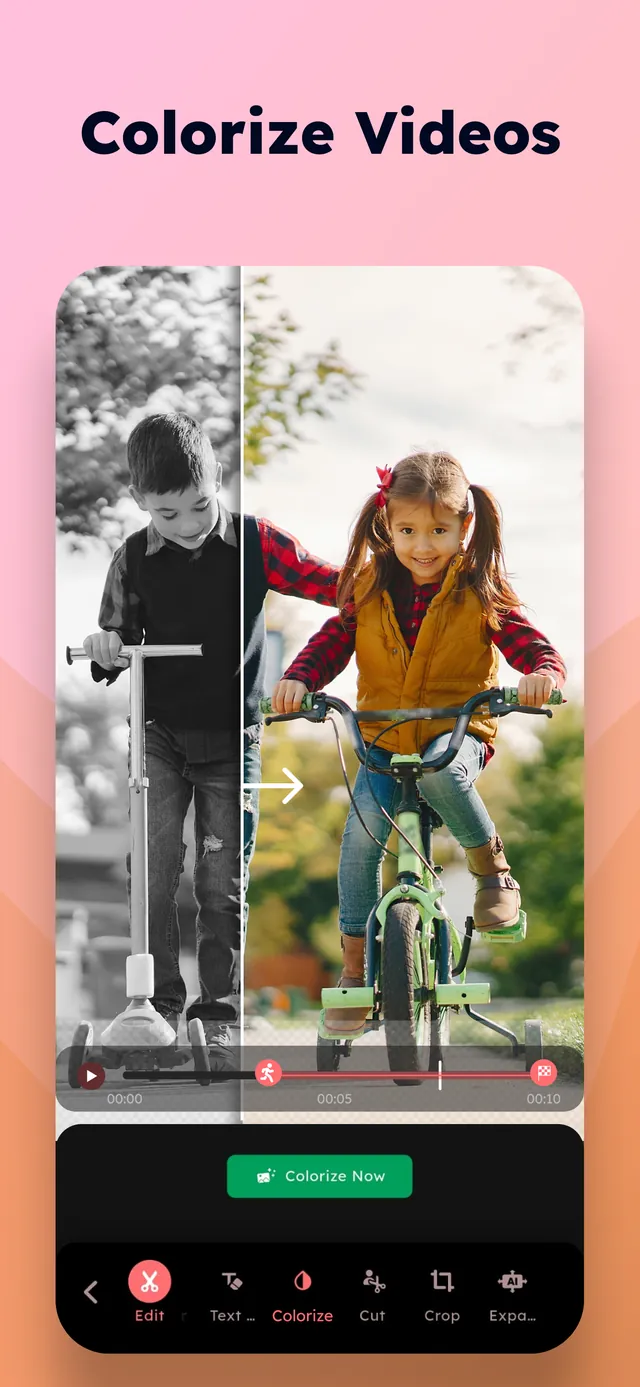
Mask distractions across video clips and let CutVibe clean the frame around the motion.
Trim clips, adjust color, crop, rotate, blur faces, and prepare your video for export.
Place readable captions, stickers, and overlays where they belong in the story.
Preview the result, export the final video, and send it to the platforms you use.
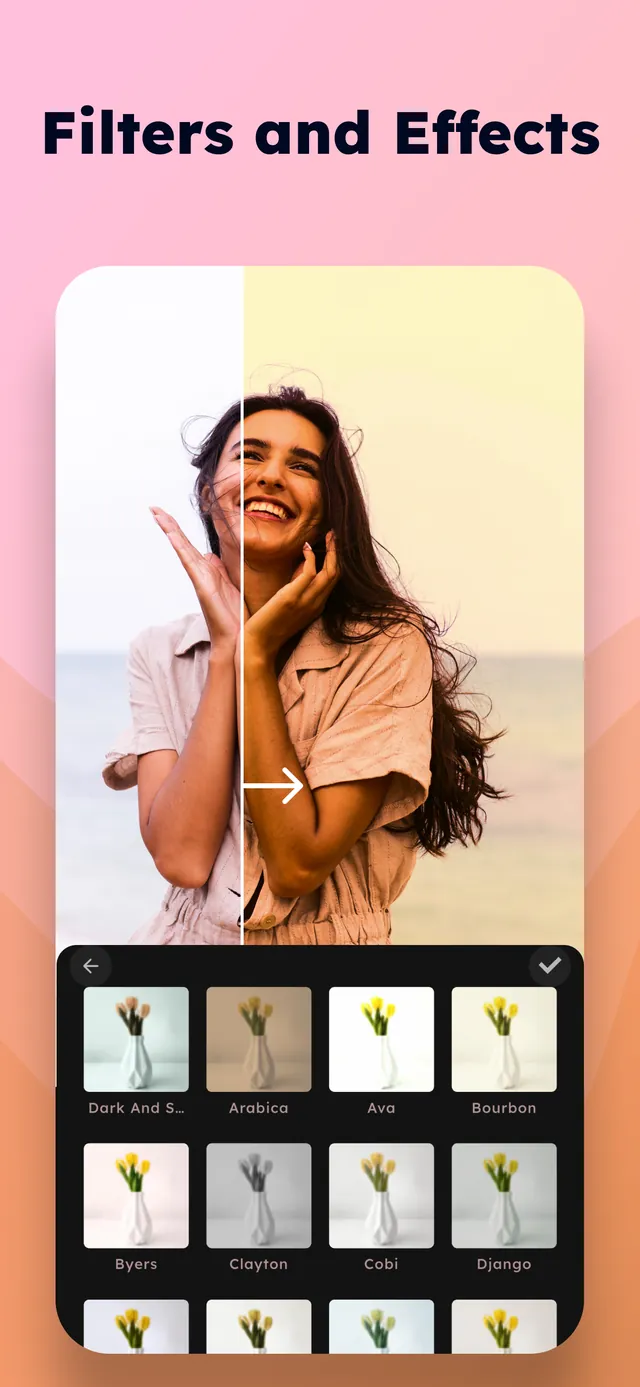
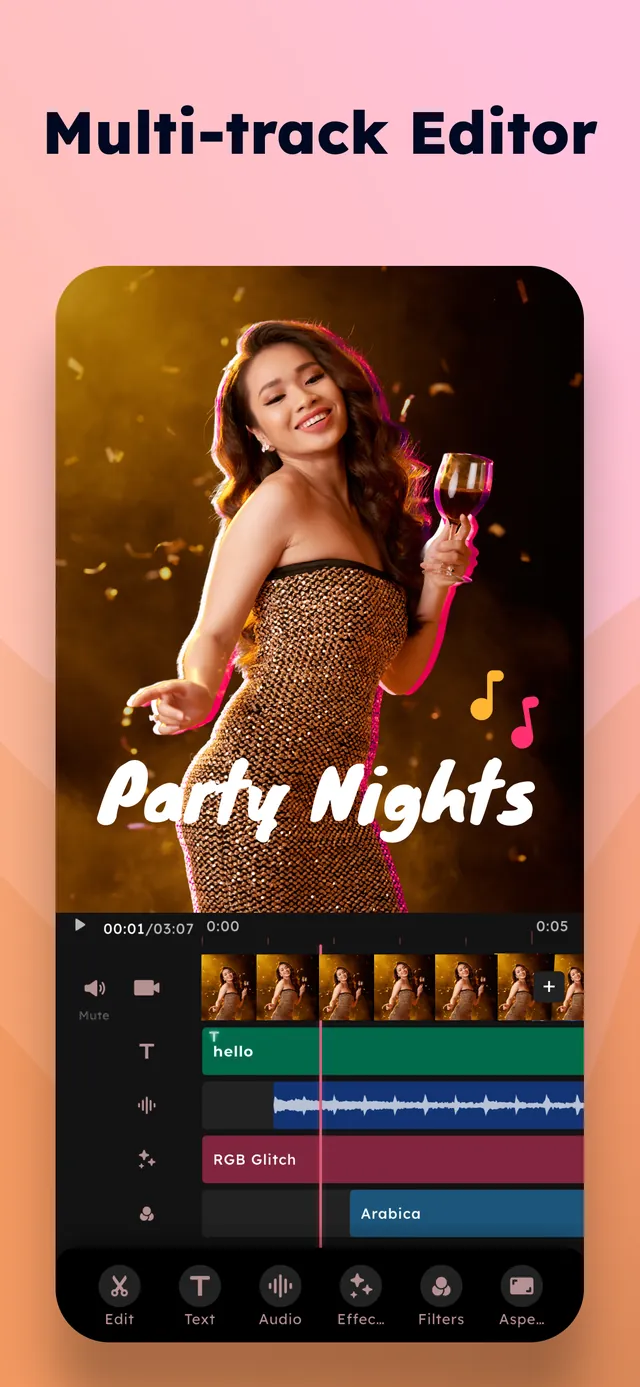
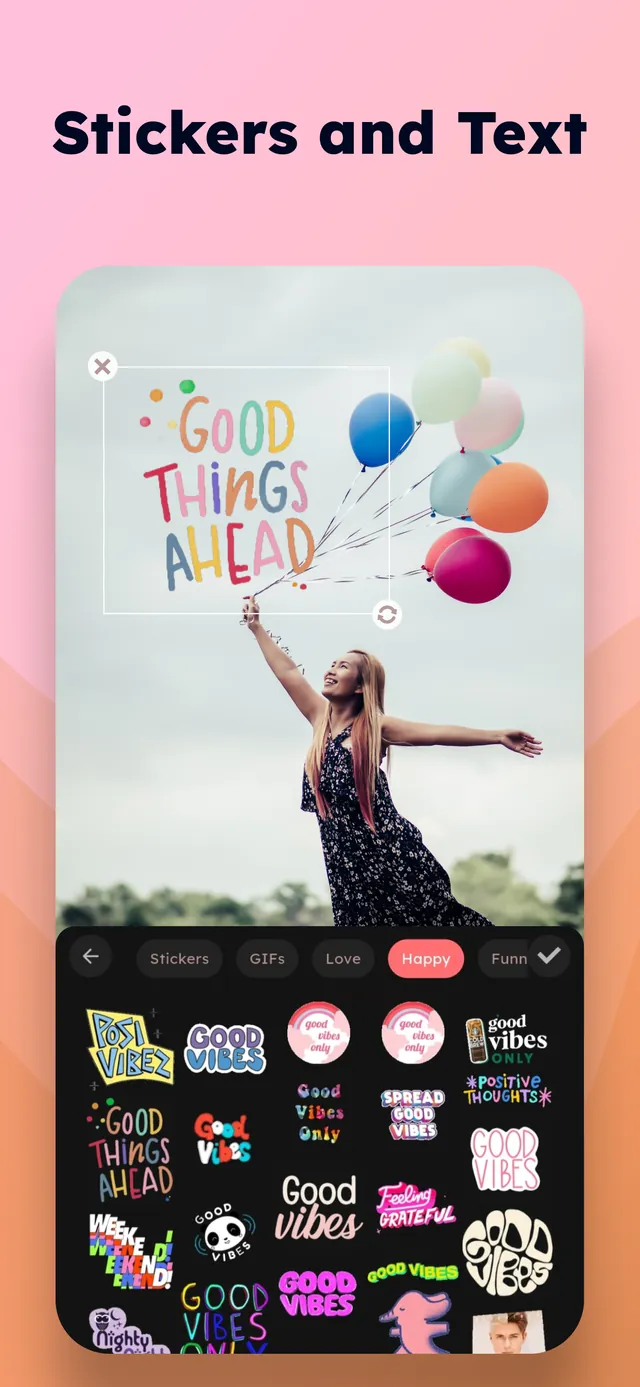
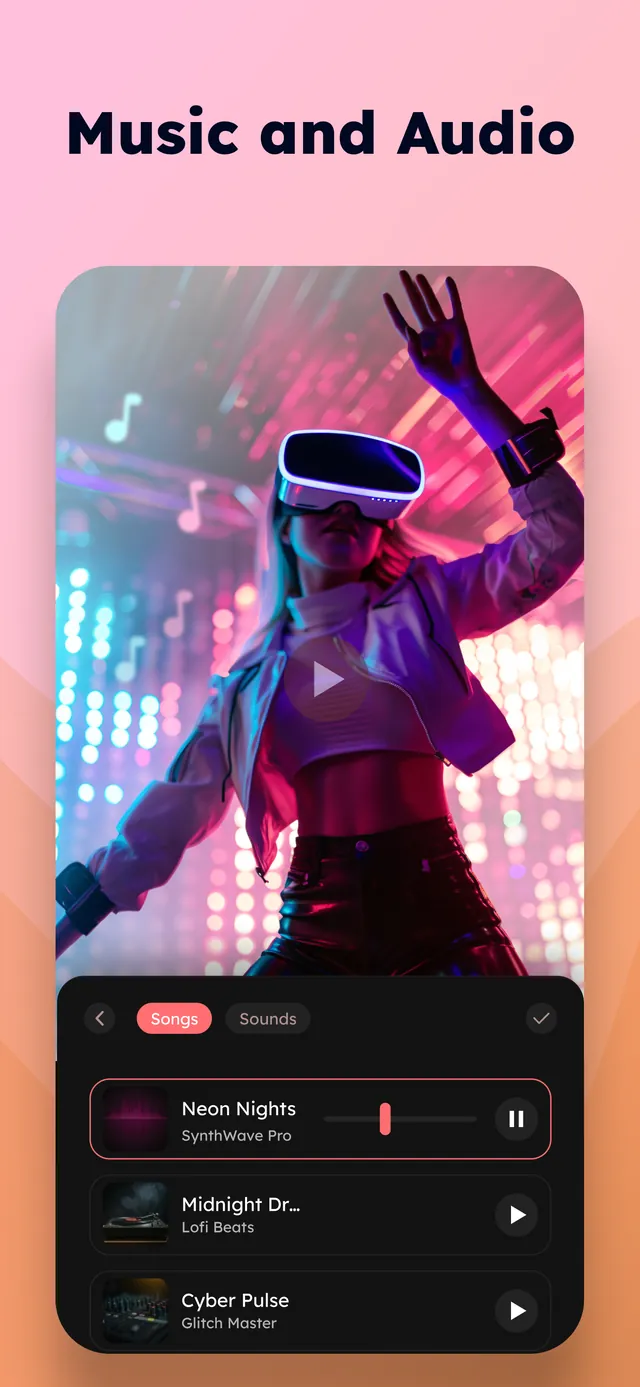
Clean clips without moving to desktop software.